

All guides
Set your truck and route
Choose your truck type and loading and unloading provinces so matching orders find you.
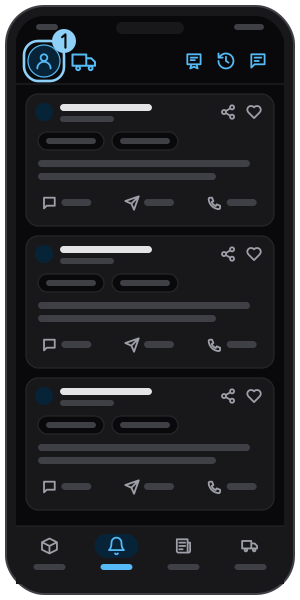
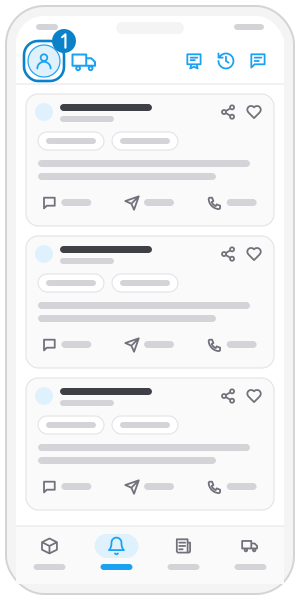
Step 1
Open the menu
Tap your avatar at the top left.
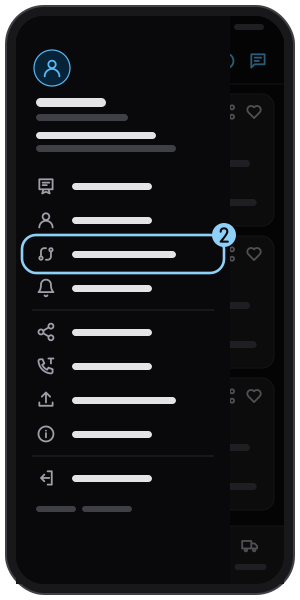
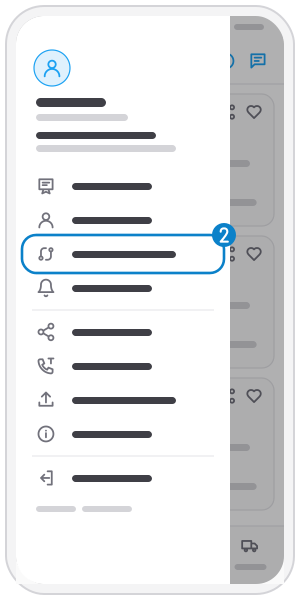
Step 2
Tap "Truck & route"
Step 3
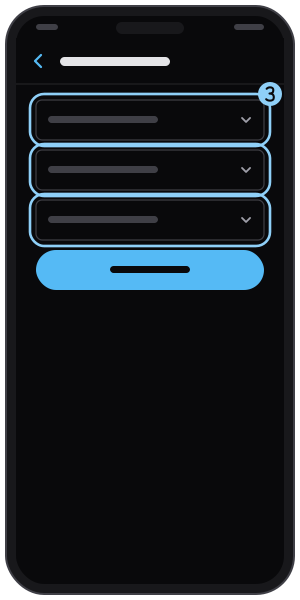
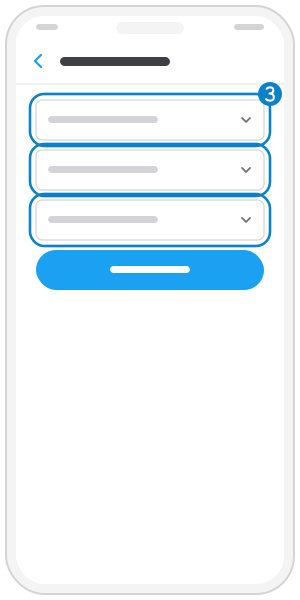
Pick truck and provinces
Choose truck type, loading province and unloading province; each accepts several.
Step 4
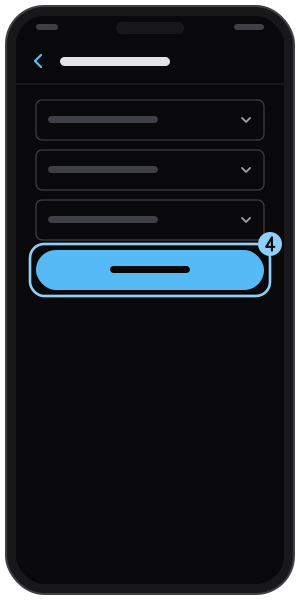
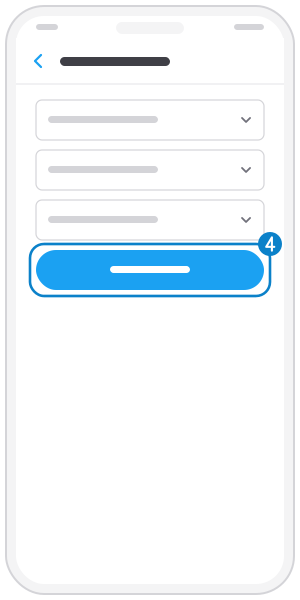
Tap "Update"
New-order alerts now follow your route.
Related guides
Sign in with a Zalo one-time code
Get in with your phone number and a 6-digit code sent by Zalo; no password to remember.
Sign in with a password
Set a password once, then sign in with your phone and password; forgot it? Reset it with a Zalo code.
Update your profile
Edit your name, email and role: truck owner, shipper or both.
Not on the app yet?
Get Tìm Hàng Nhanh free, with 3 calls or quotes a day.