

Sign in with a Zalo one-time code
Get in with your phone number and a 6-digit code sent by Zalo; no password to remember.
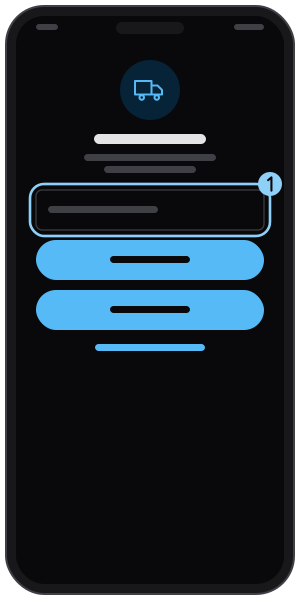
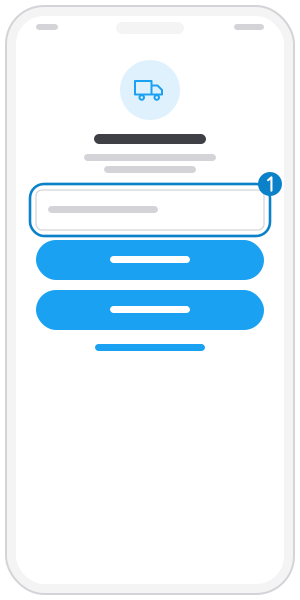
Step 1
Enter your phone number
Open the app and type the phone number of your account.
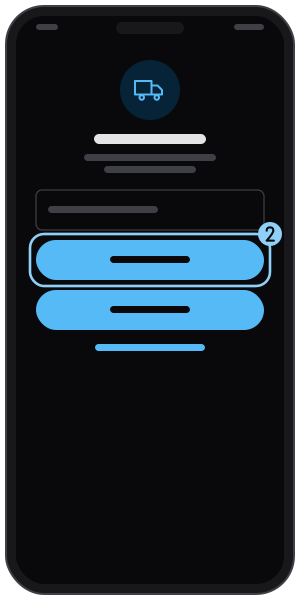
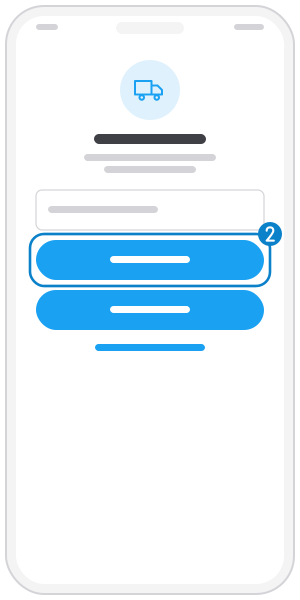
Step 2
Tap "Sign in with Zalo OTP"
The app sends a 6-digit code to the Zalo account of that number. Zalo must be installed.
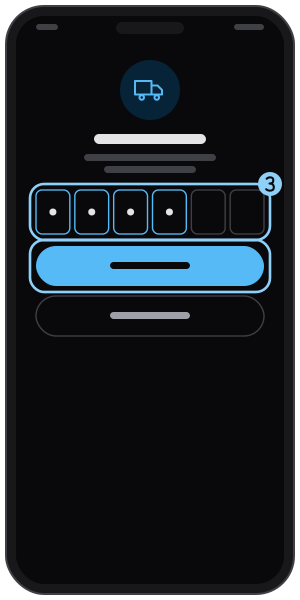
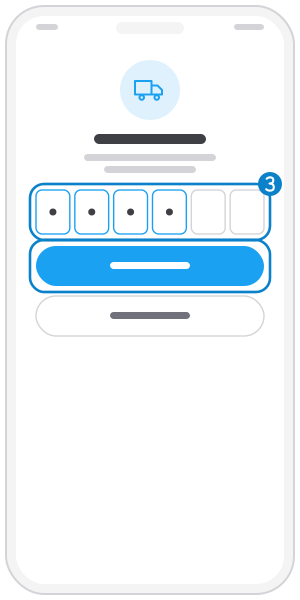
Step 3
Enter the code and tap "Sign in"
Type the 6-digit code and tap Sign in. If it expired, tap "Try again" for a new one.
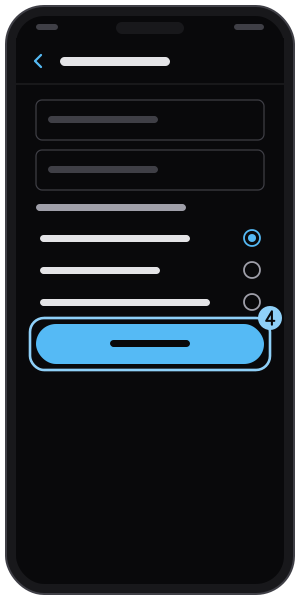
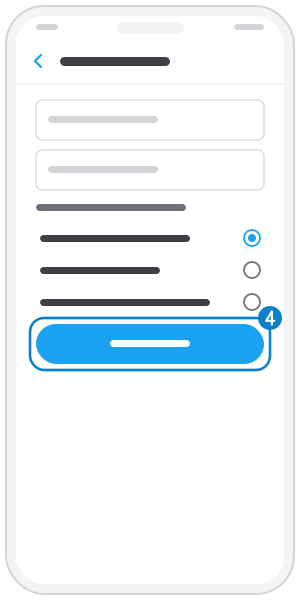
Step 4
First time: fill in your profile
On your first sign-in the app asks for your name and role, then your truck and route and how to get alerts. Tap "Update" on each screen.
Related guides
Sign in with a password
Set a password once, then sign in with your phone and password; forgot it? Reset it with a Zalo code.
Update your profile
Edit your name, email and role: truck owner, shipper or both.
Set your truck and route
Choose your truck type and loading and unloading provinces so matching orders find you.
Not on the app yet?
Get Tìm Hàng Nhanh free, with 3 calls or quotes a day.