

All guides
Upgrade to VIP
Choose VIP Interactions or VIP3/6/12, pay by transfer as shown; VIP works on one device.
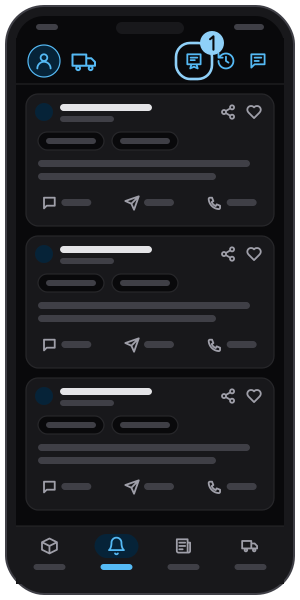
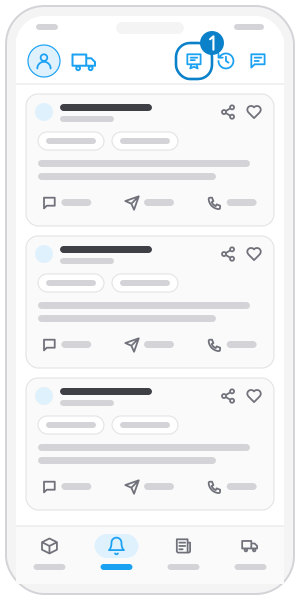
Step 1
Tap the VIP icon
In the top bar, or "Upgrade to VIP" in the menu.
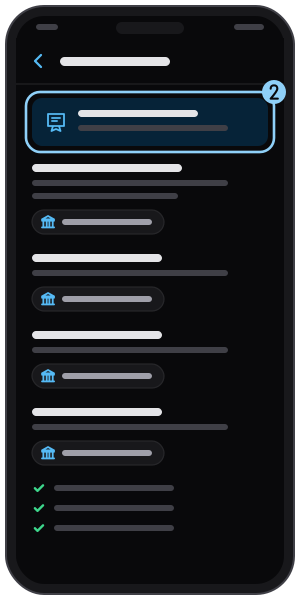
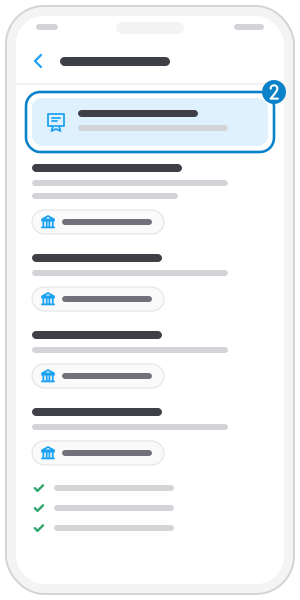
Step 2
Check your account
The top line shows free or VIP and the end date.
Step 3
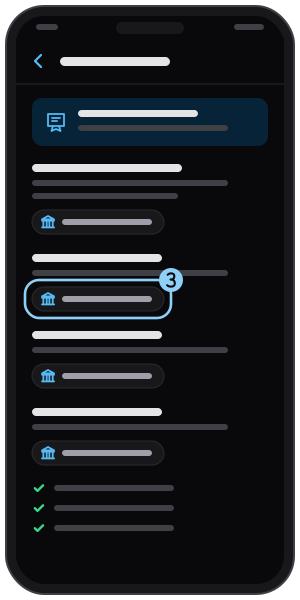
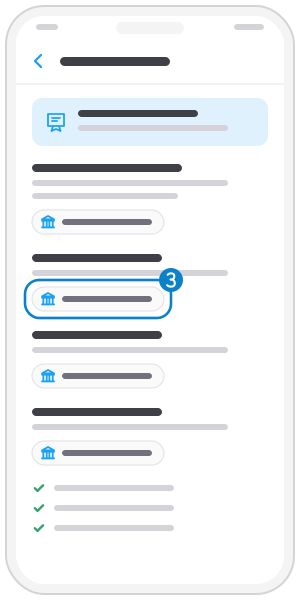
Pick a plan and tap "Transfer"
VIP Interactions is pay per interaction; VIP3, VIP6, VIP12 are unlimited for 3, 6, 12 months.
Step 4
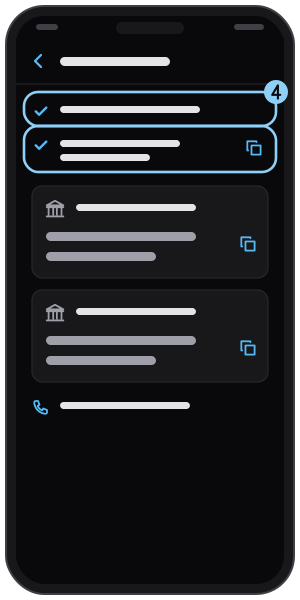
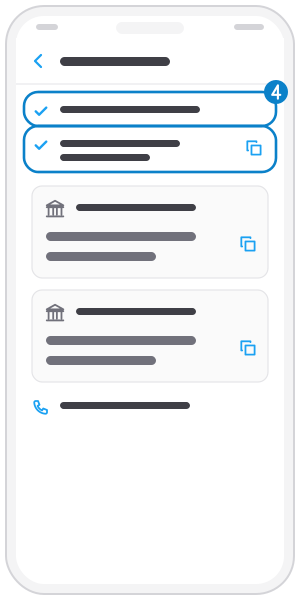
Note amount and transfer note
Transfer the exact amount with your phone number as the note (tap to copy).
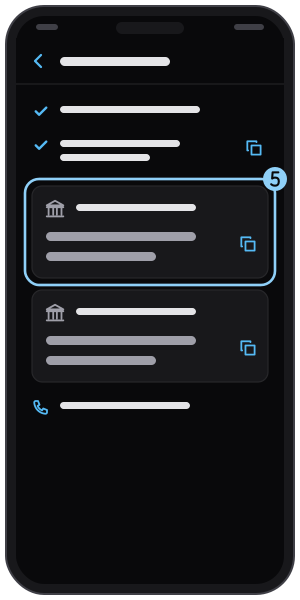
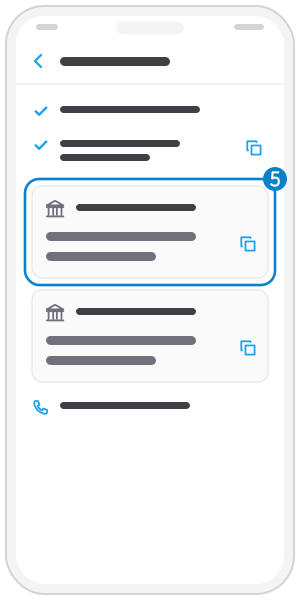
Step 5
Pay the THN account
Copy the account shown in the app (blurred here); for help call the number at the bottom.
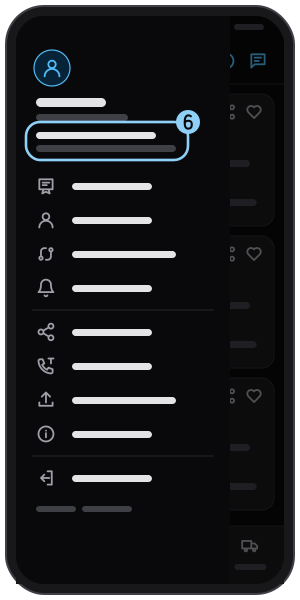
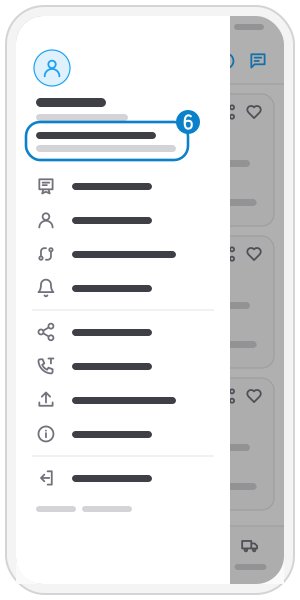
Step 6
VIP on one device
New phone? Sign in on it and VIP moves over. The menu says VIP is not valid if the account is in use on another phone.
Related guides
Free daily interactions
You get 3 free calls or quotes every day; the menu shows how many are left.
Not on the app yet?
Get Tìm Hàng Nhanh free, with 3 calls or quotes a day.