

All guides
Save orders for later
Heart an order to find it again under "Saved". A VIP feature.
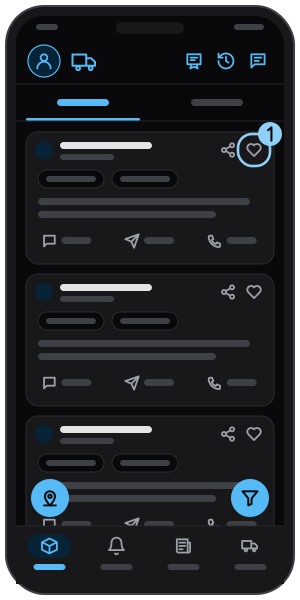
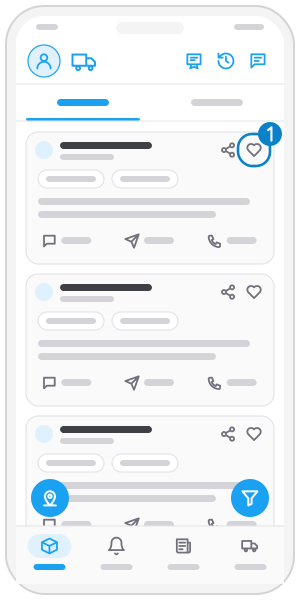
Step 1
Tap the heart
On an order card, tap the heart at the top right (VIP accounts; a free account is invited to upgrade). Tap again to unsave.
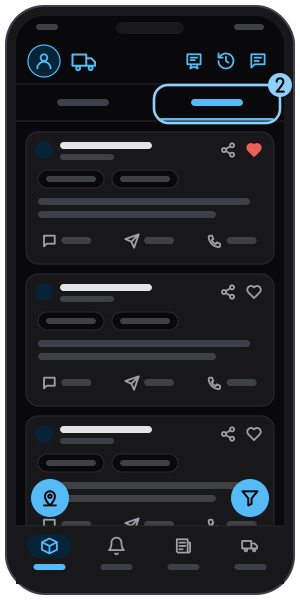
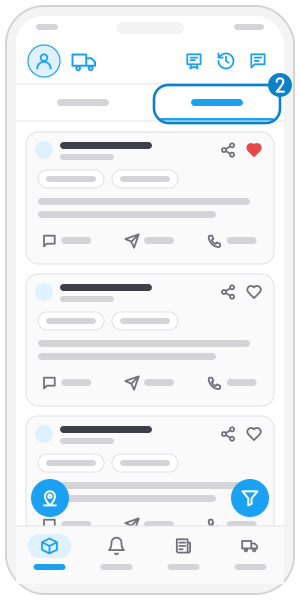
Step 2
Open "Saved"
In Find loads, tap Saved to see your saved orders.
Related guides
Find and filter loads
Browse new orders nationwide from many sources, and filter by truck and route.
Find orders near you
One tap shows orders around where your truck is. For VIP accounts; needs location access.
Not on the app yet?
Get Tìm Hàng Nhanh free, with 3 calls or quotes a day.