

All guides
Post a truck-wanted order
Shippers post an order so truck owners on the route get in touch; save drafts, edit, copy and follow the status.
Step 1
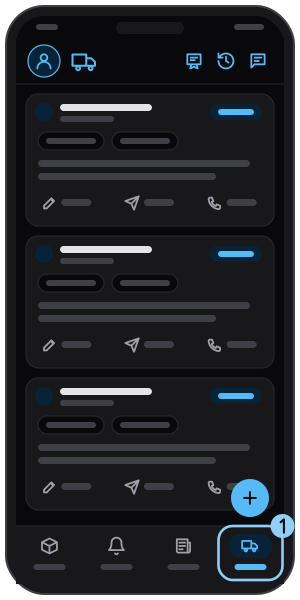
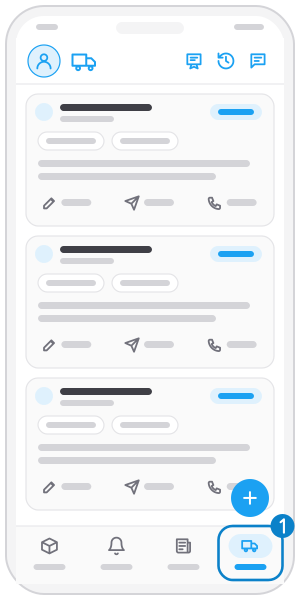
Open the "Find trucks" tab
Tap Find trucks in the bottom bar.
Step 2
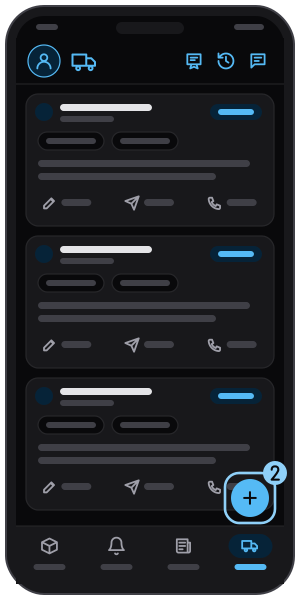
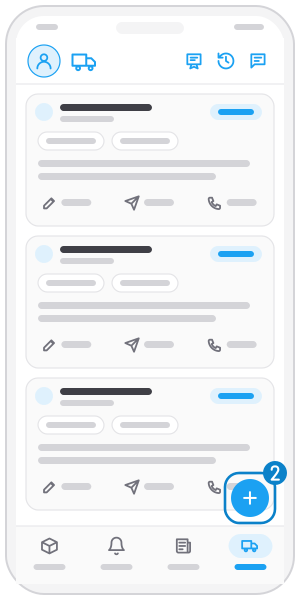
Tap "+"
The button at the bottom right.
Step 3
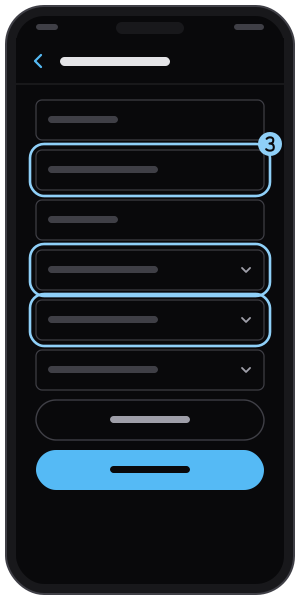
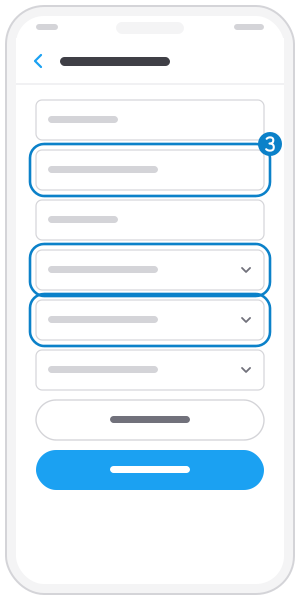
Fill in the order
Enter phone, description, quantity and unit, loading and unloading province and truck type.
Step 4
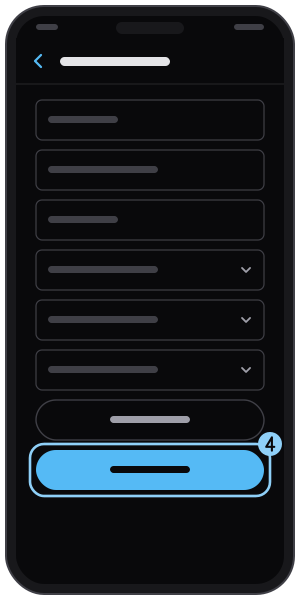
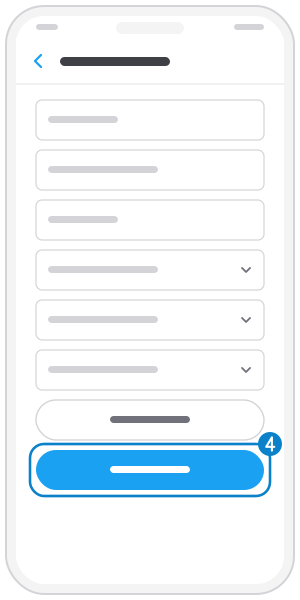
Tap "Post"
Or "Save draft" to post later. Orders are checked before truck owners see them.
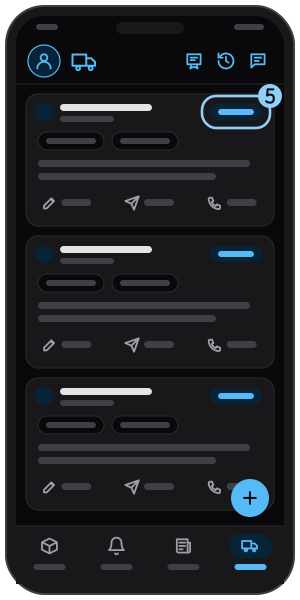
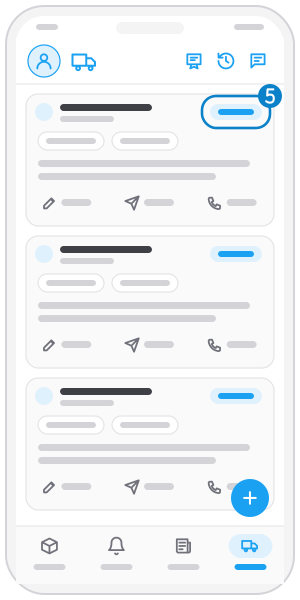
Step 5
Follow the status
Each order shows its status: draft, checking, posted or not posted. Drafts have Edit, others Copy.
Not on the app yet?
Get Tìm Hàng Nhanh free, with 3 calls or quotes a day.