

All guides
Update the app
See your version and open the App Store or Google Play to update.
Step 1
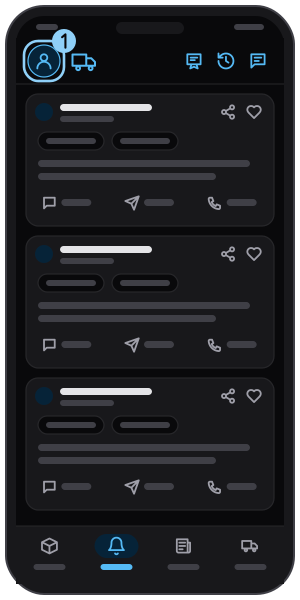
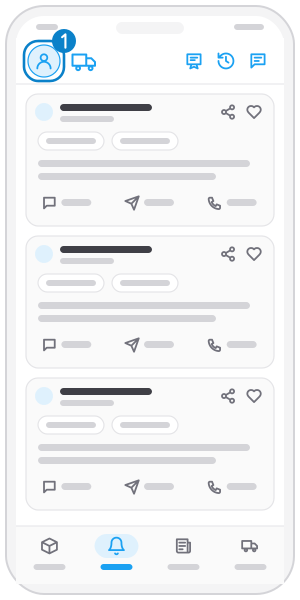
Open the menu
Tap your avatar at the top left.
Step 2
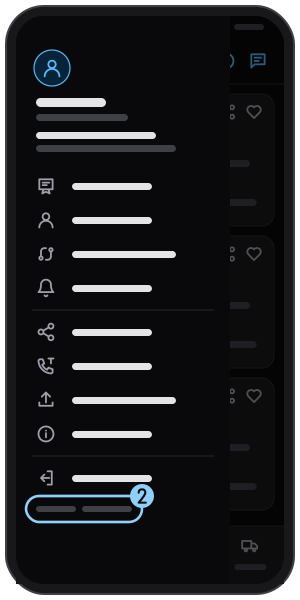
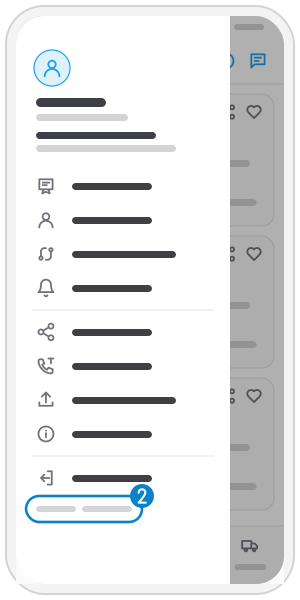
Check the version
The version is at the end of the menu.
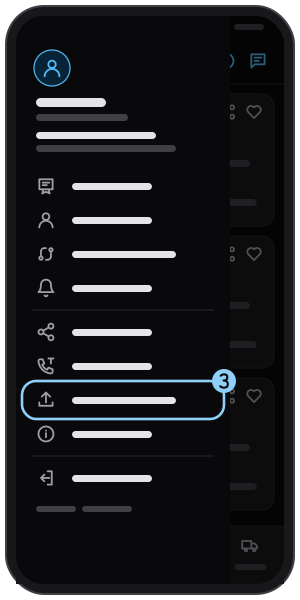
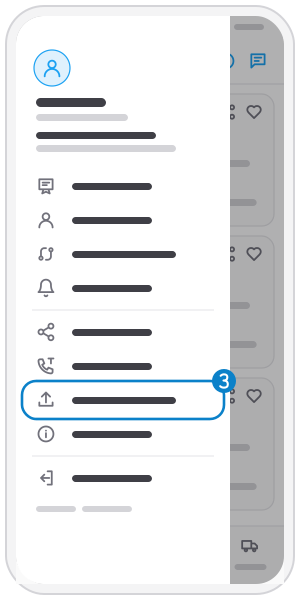
Step 3
Tap "Update app"
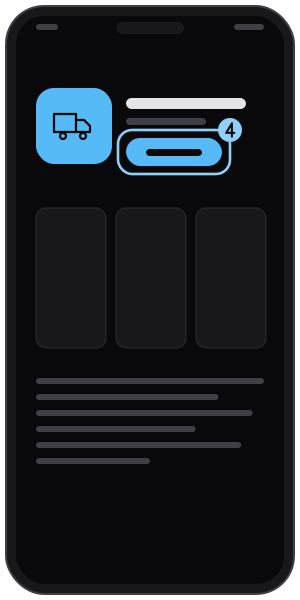
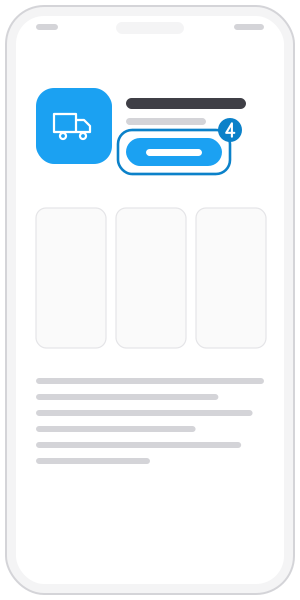
Step 4
Tap "Update"
iPhone opens the App Store, Android opens Google Play.
Related guides
Share the app
Send the Tìm Hàng Nhanh download links to friends.
Ask for support
Call the THN support line right from the menu.
Read the terms of service
Open the terms of service inside the app.
Not on the app yet?
Get Tìm Hàng Nhanh free, with 3 calls or quotes a day.